
Without a structured purchase request process, office supply spending becomes a black hole. Staff take items from supply rooms without recording them, make ad-hoc requests in Slack or email, and by month-end you are over budget while still running out of toner and coffee. Office supply purchase request software fixes this with structured workflows that create accountability, reduce waste, and give management real visibility.
Teams usually compare request tools when they are already outgrowing spreadsheets or chat threads. If you are also reviewing broader platforms, pair this page with our guides to the best office supply management software and office inventory software for multi-site teams.
At a glance: who this guide is for
Best for
Office managers, facilities teams, and procurement leads handling internal supply requests.
Main use case
Replacing email, Slack, and hallway requests with approvals, queues, and stock-aware fulfillment.
What to watch
Do not buy enterprise procurement software if the real problem is office consumables and internal requests.
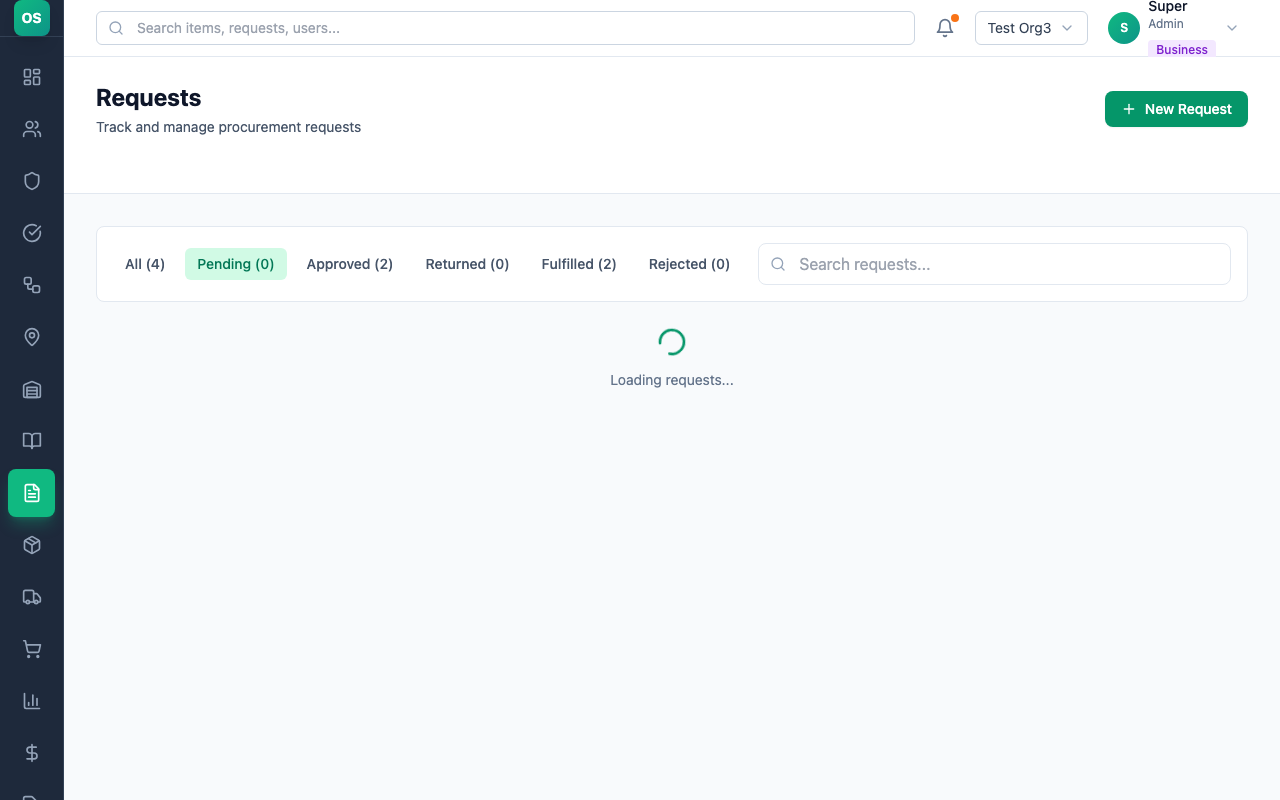
What Is a Purchase Request Workflow?
Why Email and Slack Requests Fail
Problems with Email / Slack
- Requests get buried in inboxes and forgotten
- No single place to see all pending requests
- No automatic stock updates when items are fulfilled
- No spending data: can't analyze what's being requested
- No approval process: anyone can request anything
- Procurement has to manually track what they've processed
What Request Software Delivers
- All open, approved, and completed requests in one dashboard
- Every request has a named requester, approver, and fulfiller
- Approval thresholds stop unauthorized spending
- Procurement processes requests in batches, not one-by-one
- Consumption history builds up over time for forecasting
- Finance gets real data for budget reporting
Slack and Teams Approvals Are Not Enough
Chat is not a queue
Messages are easy to send but hard to triage. If nobody owns the request, it simply disappears into the stream.
Approvals need context
Managers need item, quantity, location, and current stock context. A thumbs-up reaction is not an audit trail.
Fulfillment must update stock
Approving a request without deducting inventory only creates another manual step and another source of errors.
Key Features to Look for
Multi-Level Approval Workflows
Simple teams need one approval step (staff → manager). Larger organizations may need two or three levels: staff → department head → finance above a threshold. Look for fully configurable approval chains.
Role-Based Access
Staff: submit requests and view their own history. Approvers: review and approve/decline. Fulfillers: see the fulfillment queue. Admins: full access, configuration, and reporting.
Structured Item Catalogue
Staff should select from a pre-defined catalogue, not type free text. Free-text requests lead to inconsistent item names, impossible-to-analyze data, and orders for things you don't stock.
Mobile and WhatsApp Submission
If your cleaners, reception staff, or remote team members can't easily submit from a computer, they won't. Mobile access (or better, WhatsApp integration) dramatically improves adoption.
Automatic Inventory Updates
When a request is fulfilled, stock levels should update automatically. This eliminates separate manual counting steps and keeps your inventory data accurate in real time.
Reporting and Analytics
Monthly reports on request volume, most-requested items, approval rates, and fulfillment times help you identify bottlenecks and optimize processes. Finance particularly values this for budget forecasting.
Top Tools Compared: Pricing and Team Fit
| Tool | Best For | Office Supply Focus | Stock Tracking | Starting Price |
|---|---|---|---|---|
| OfficeStoreApp | Office supply request + inventory | $39/month | ||
| Procurify | Mid-market procurement | ~$1,000/month | ||
| Coupa | Enterprise spend management | $50,000+/year | ||
| SAP Ariba | Global enterprise procurement | $100,000+/year |
1. OfficeStoreApp: Best Purpose-Built Tool for Office Supplies
OfficeStoreApp is built specifically for office consumable management, with purchase request workflows as a core feature, not an add-on. The critical difference from enterprise procurement tools: OfficeStoreApp manages both the internal request/approval/fulfillment workflow AND the real-time inventory that drives those requests.
Best for: Organizations managing office consumables who want a simple, complete solution live in under an hour.
Pricing: From $39/month (flat-rate, not per-user)
Enterprise Procurement Tools vs. Office Supply Management
The Critical Distinction
Enterprise procurement tools (Coupa, SAP Ariba, Procurify) are designed to manage the buying process with external vendors. They don't track physical stock levels in your supply room. OfficeStoreApp manages both: the internal request/approval/fulfillment workflow AND the real-time inventory.
"We need to manage requests, approvals, and supply room inventory"
You need a tool that tracks physical stock and manages the request workflow internally.
Best choice: OfficeStoreApp
"We need to manage purchasing from external vendors at mid-market scale"
You need procurement process control focused on external spend.
Best choice: Procurify
"We just need to track purchase orders and deliveries with our suppliers"
You need a simple order book for each vendor order, from placed to delivered to paid, without a full procurement suite.
Best choice: OrderBookApp (our sister product)
"We are a Fortune 500 managing global supply chain spend"
You need full procure-to-pay with supplier management and compliance.
Best choice: Coupa or SAP Ariba
Best Practices for Setting Up a Purchase Request Workflow
Define roles first
Decide who can request, who approves, and who fulfills before going live. Most teams need 3 roles: Requestor, Approver, and Fulfiller.
Curate the catalogue
Limit the catalogue to items you actually stock. Letting staff request items you don't carry creates unfulfillable requests and frustration.
Set SLAs for response time
If requests sit in queues for days, people stop submitting them. Set expectations: approvals within 24 hours, fulfillment within 2 business days.
Review declined requests monthly
Declined requests are useful data: are there items you should be stocking, or a department with an unmet need?
The ROI Calculation
If your procurement manager spends 3 hours per week managing ad-hoc supply requests via email and Slack, and request software reduces that to 30 minutes, you've saved 2.5 hours per week. At $40/hour fully loaded, that's $400/month in time savings, more than 3× the cost of most software at this tier.
Add a 15–25% reduction in unauthorized or duplicate purchases (typical for organizations without a structured process), and the financial case is compelling, usually paying back in the first month.
Frequently Asked Questions
What is the best office supply purchase request software for small and mid-size teams?
OfficeStoreApp is the best fit for most office and facilities teams because it combines internal request workflows, approvals, and live supply inventory in one tool. Enterprise procurement suites are usually too expensive and too complex for day-to-day office supply requests.
Can Slack or Teams replace purchase request software?
No. Slack and Teams are fine for conversation, but they do not create structured request records, approval rules, fulfillment queues, or inventory updates. Teams still end up copying information into spreadsheets or email threads.
What features matter most in purchase request software?
The core features are structured item catalogs, configurable approvals, mobile-friendly submission, automatic inventory updates, and reporting on request volume, fulfillment time, and spend by location.
How quickly can a team roll out a purchase request workflow?
Most office teams can roll out a basic request workflow in under a day if the catalog and approvers are clear. The main blocker is usually process ownership, not software setup.
Set up structured purchase request workflows in under an hour
OfficeStoreApp's request and approval workflows are ready out of the box. 30-day free trial, no credit card required.